Realistic Minecraft texture pack · Java & Bedrock RTX
Optimum Realism
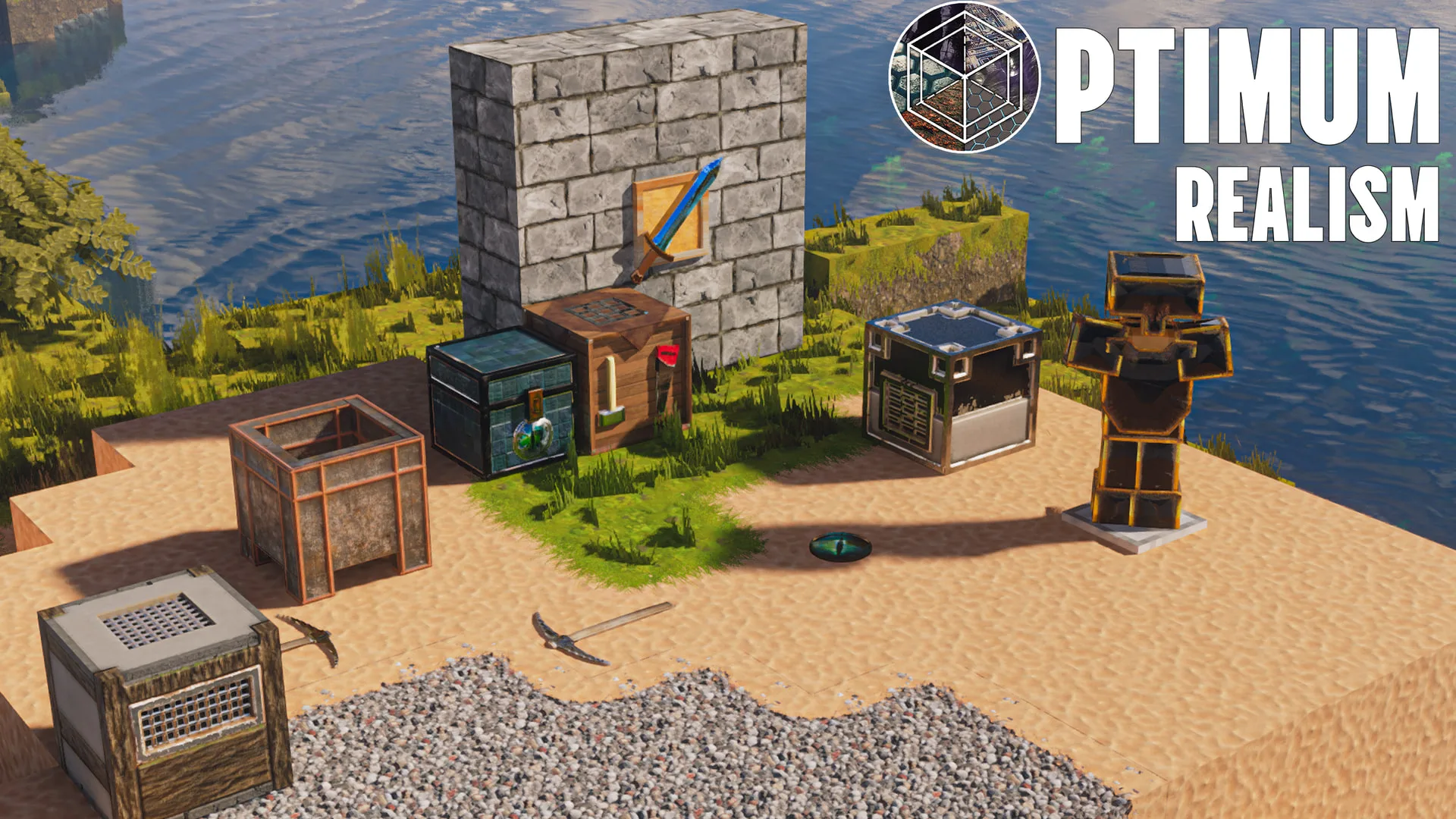
True PBR materials, real depth, and ray-traced light — the realistic pack 3 million players already use. Free at 64x, sharper when you want it.
*#1 by total downloads among realistic 64x Bedrock texture packs on CurseForge. See the list →
Vanilla → Optimum Realism
Same world, same blocks — only the textures change. Drag to compare.

 Before After
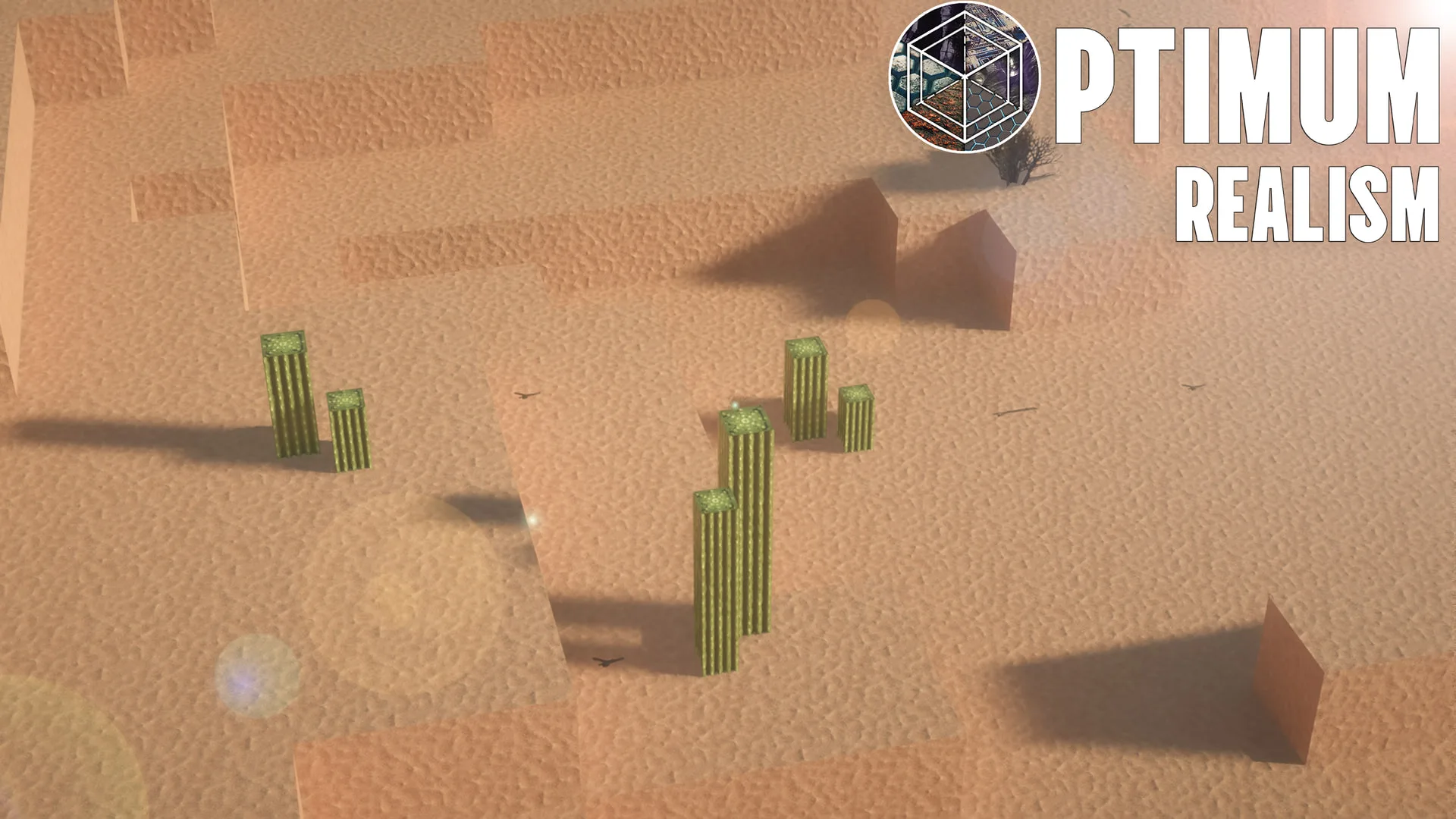
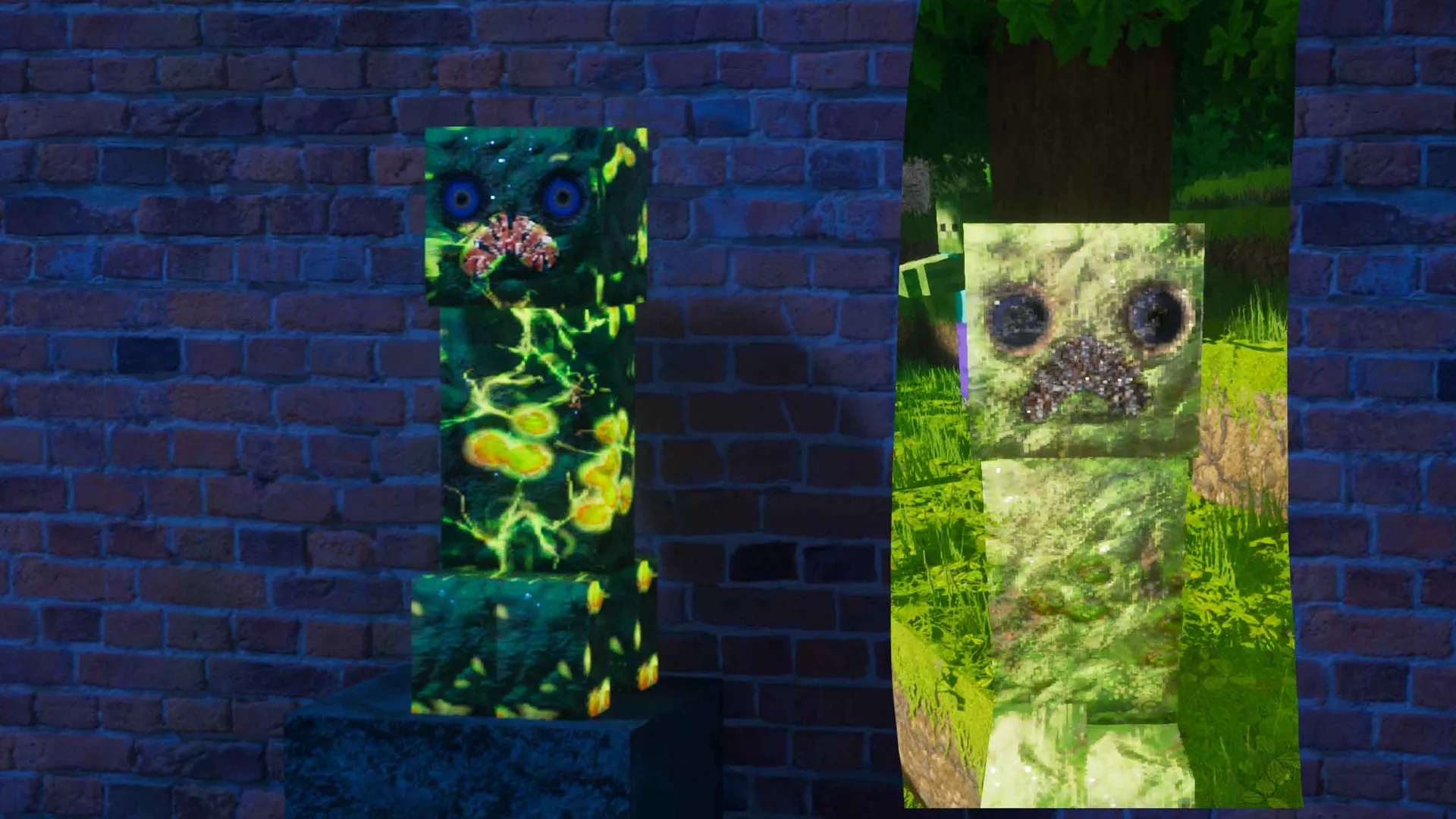
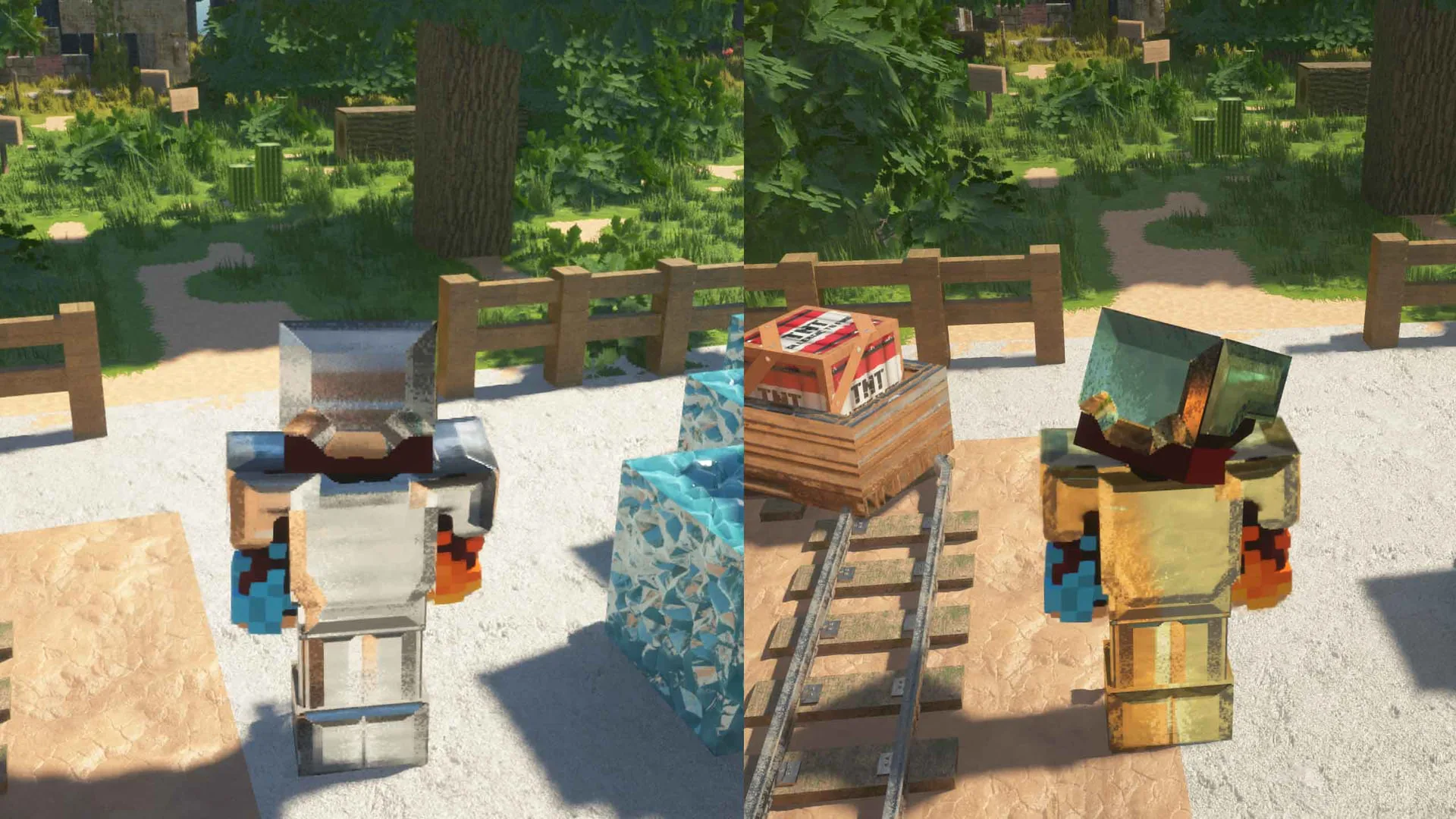
 Not a recolor, a full material rebuild
690+ PBR materials · Iris · OptiFine · Bedrock RTX · Minecraft 1.21
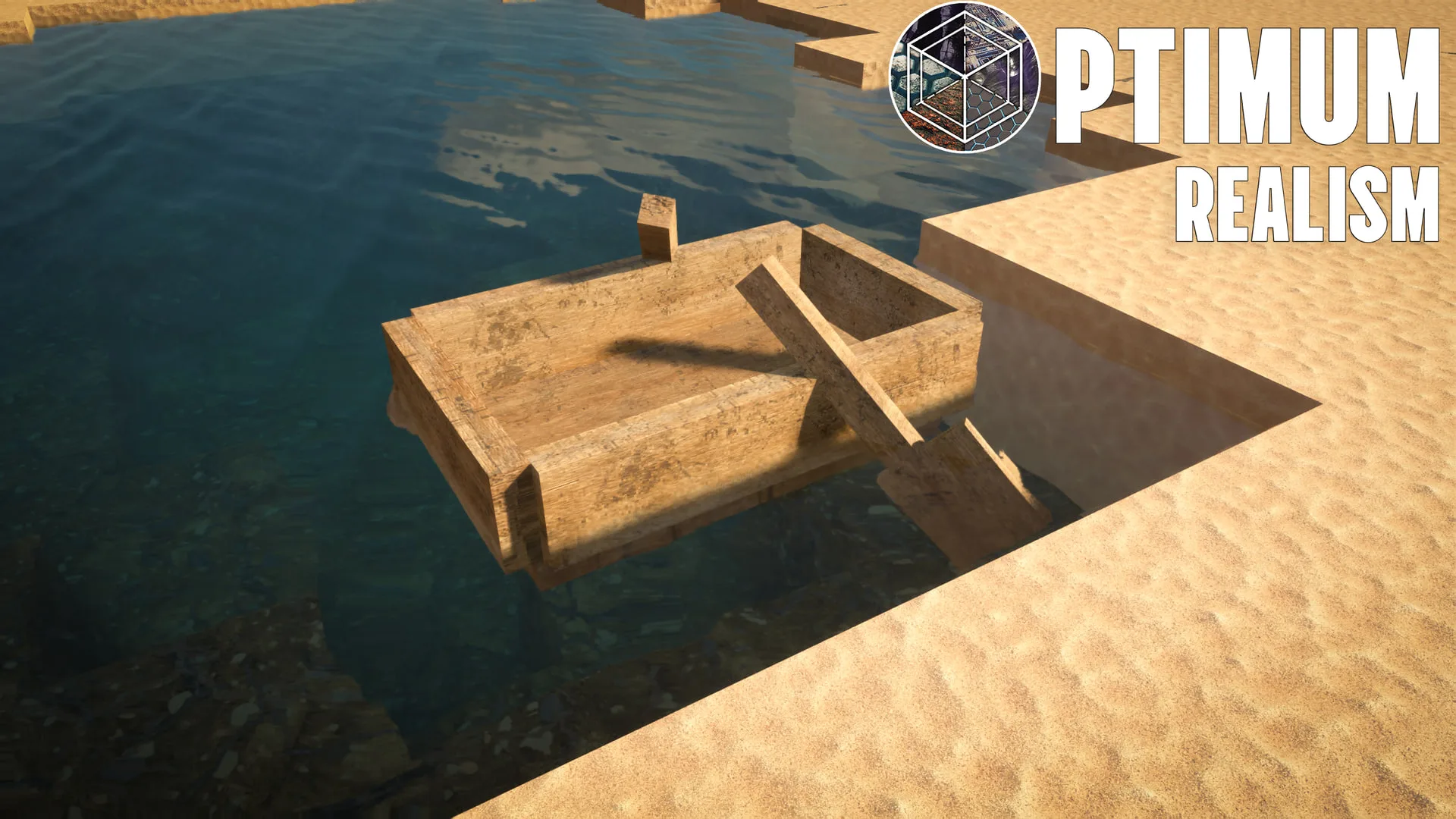
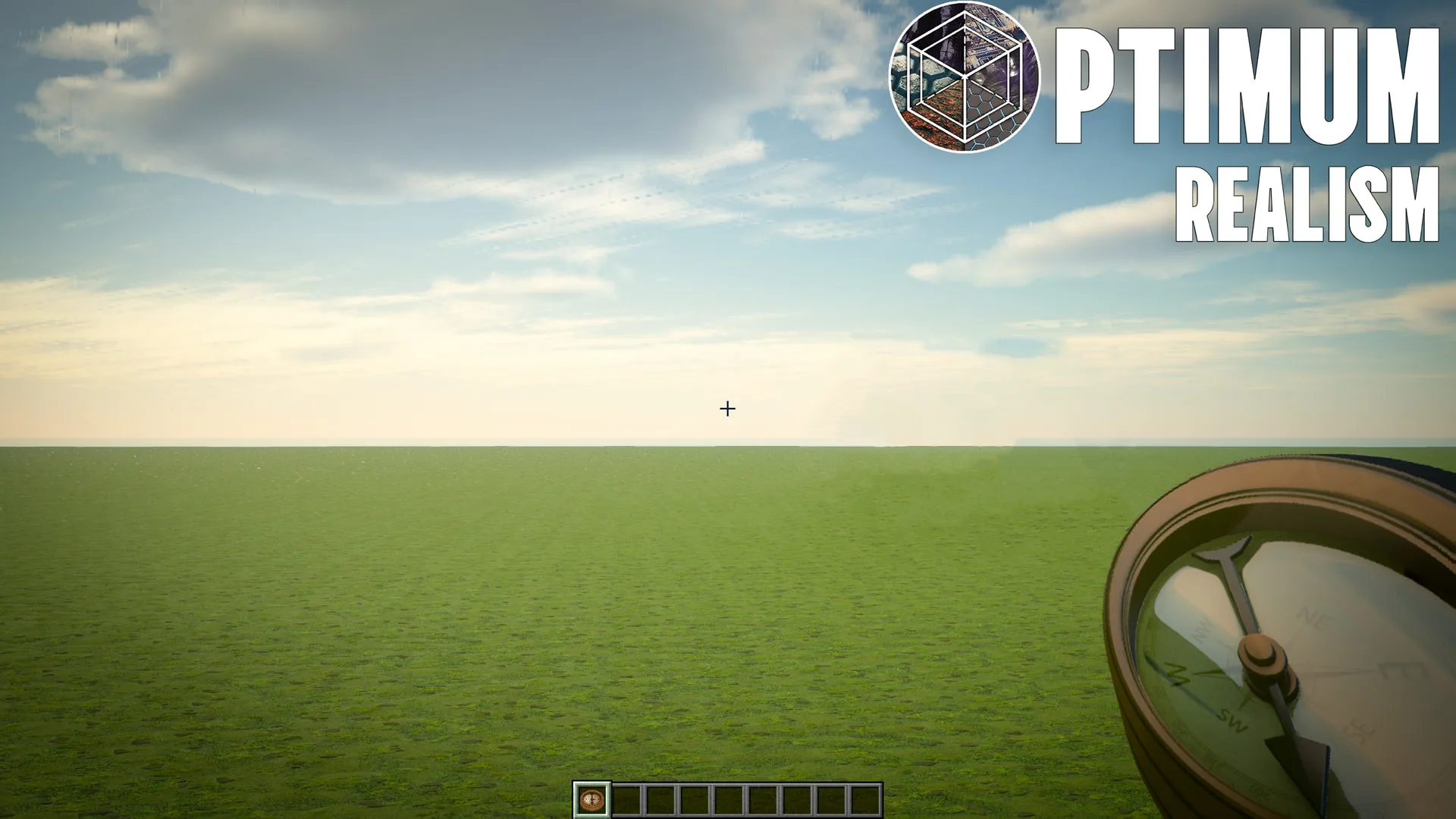
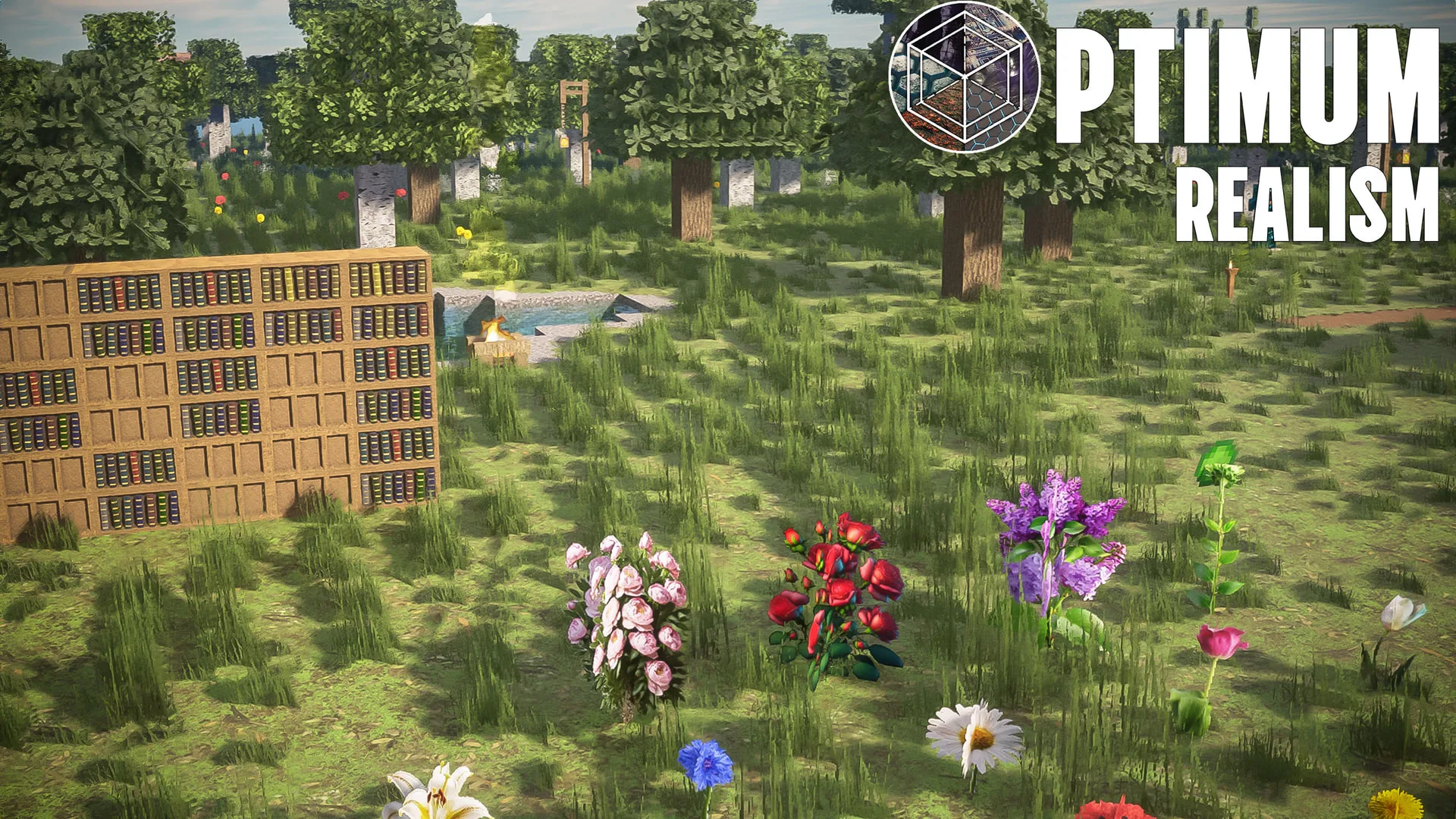
See it in your world
Full gallery →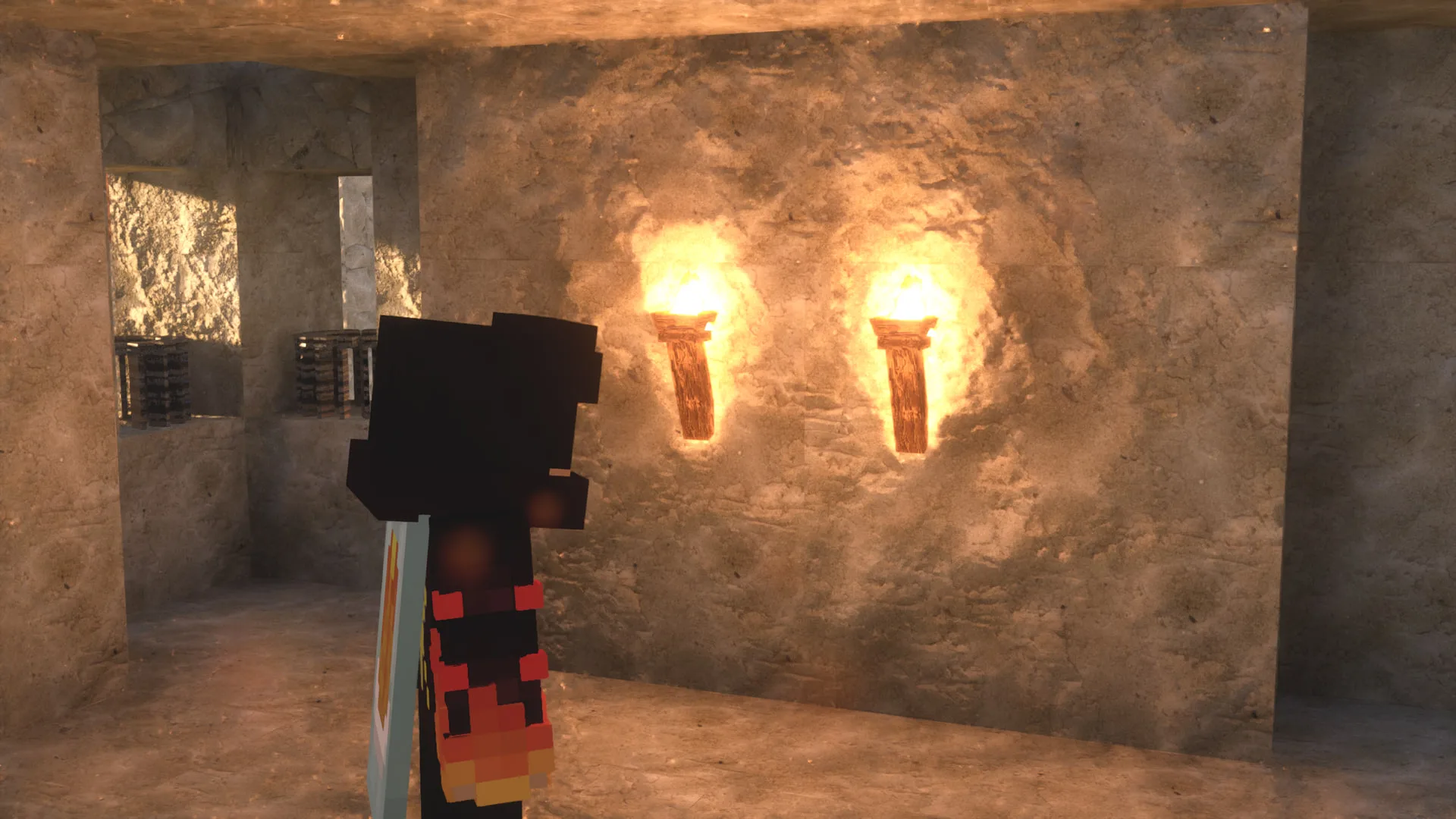
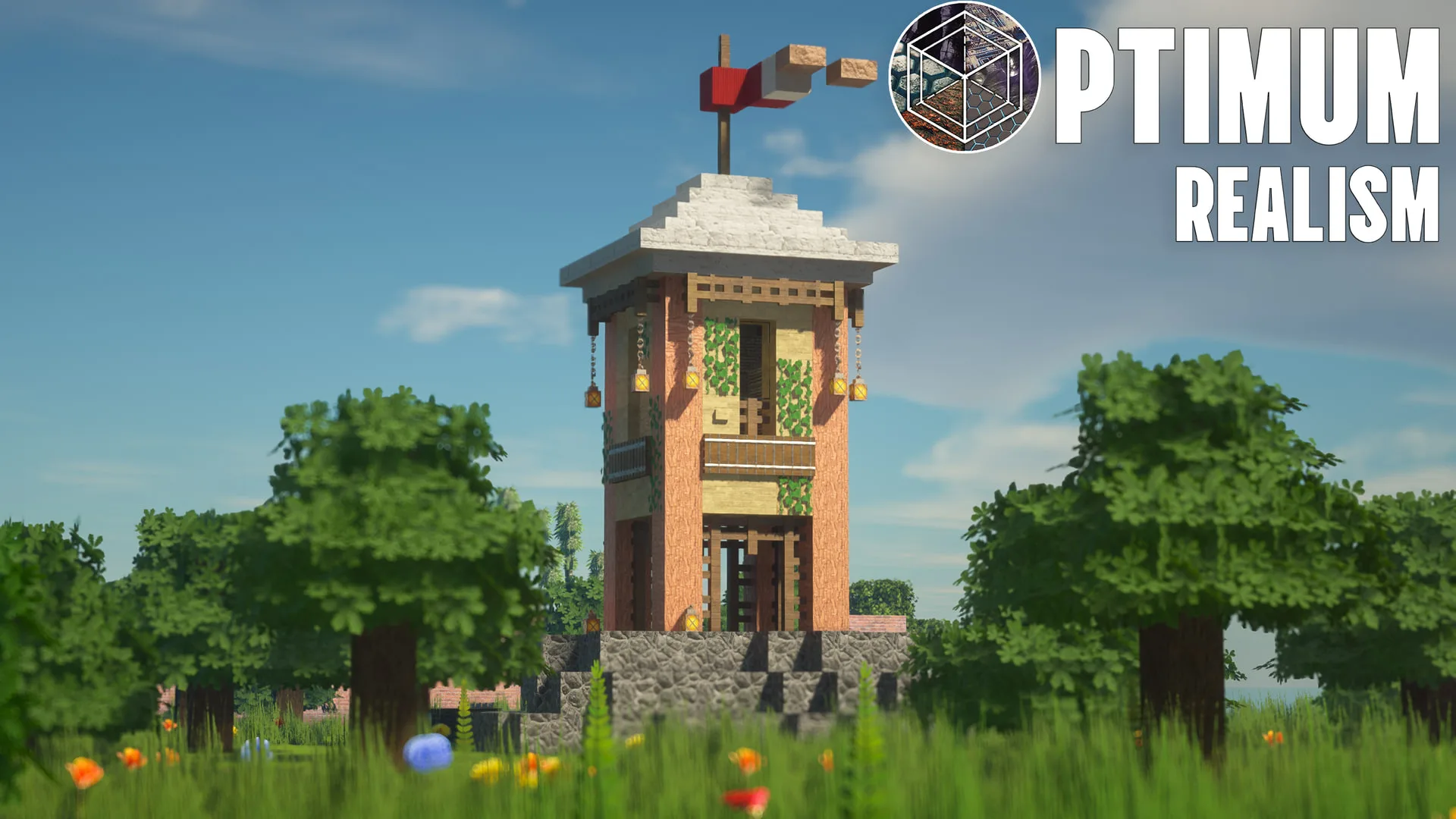
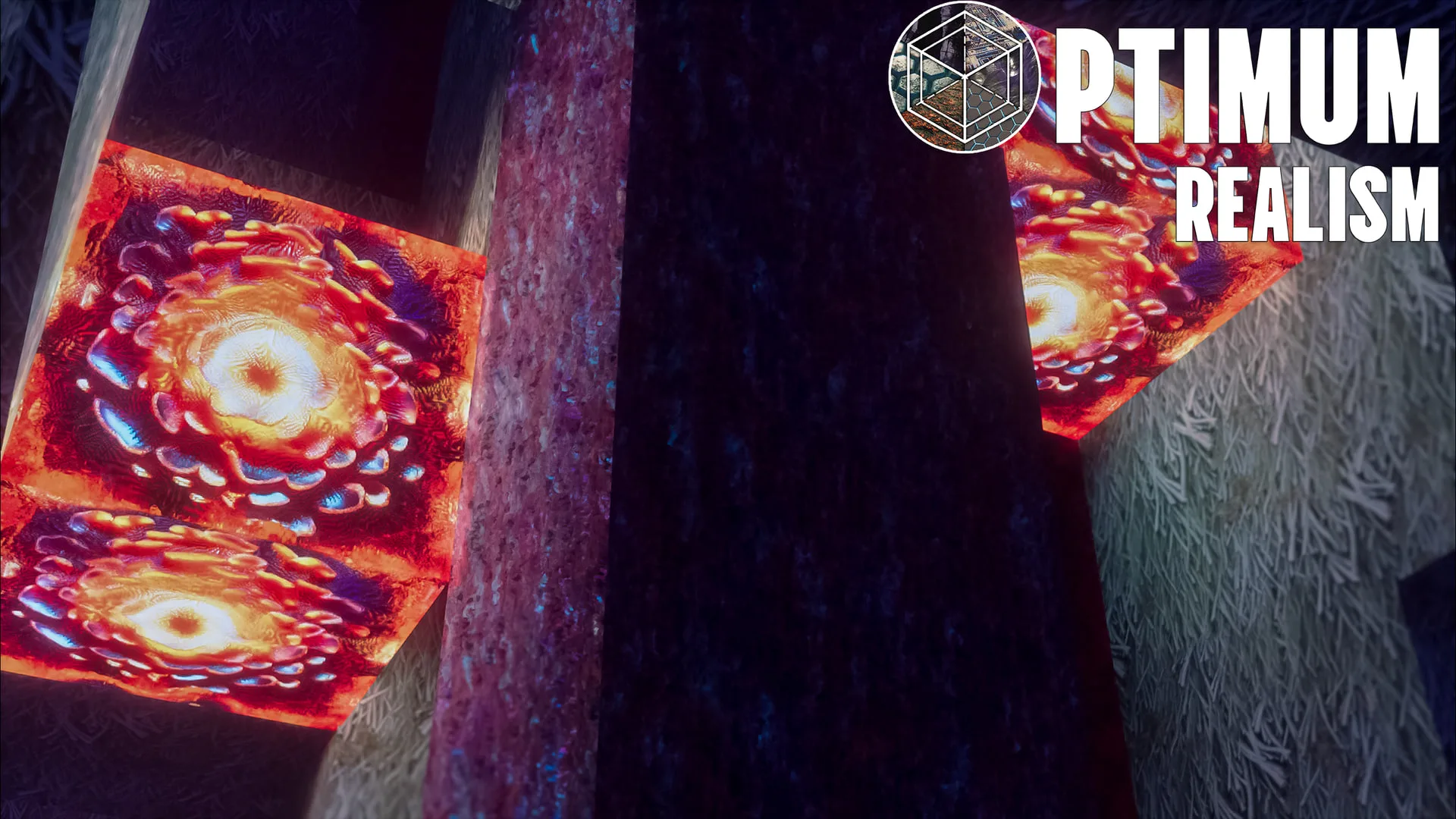
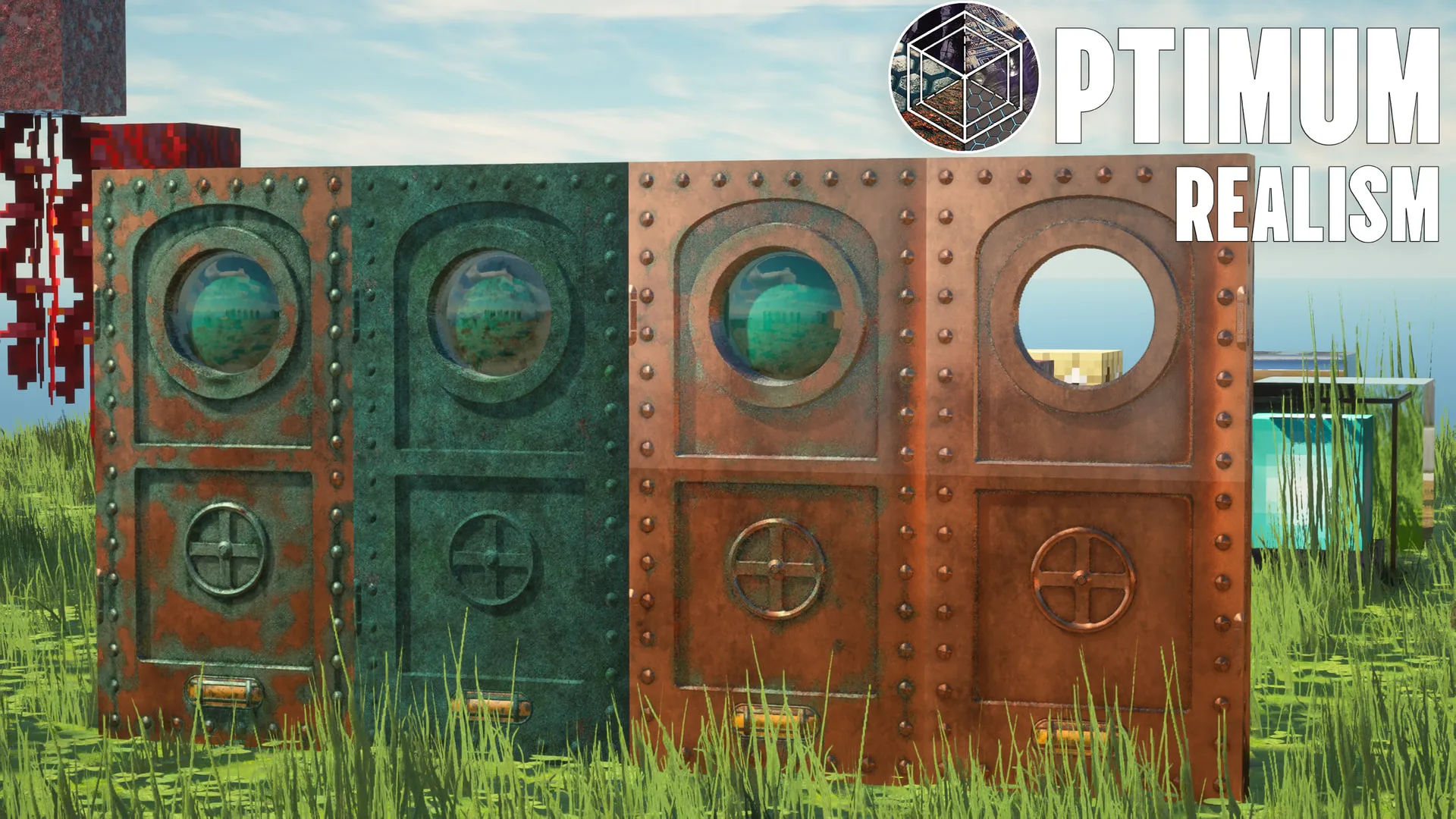
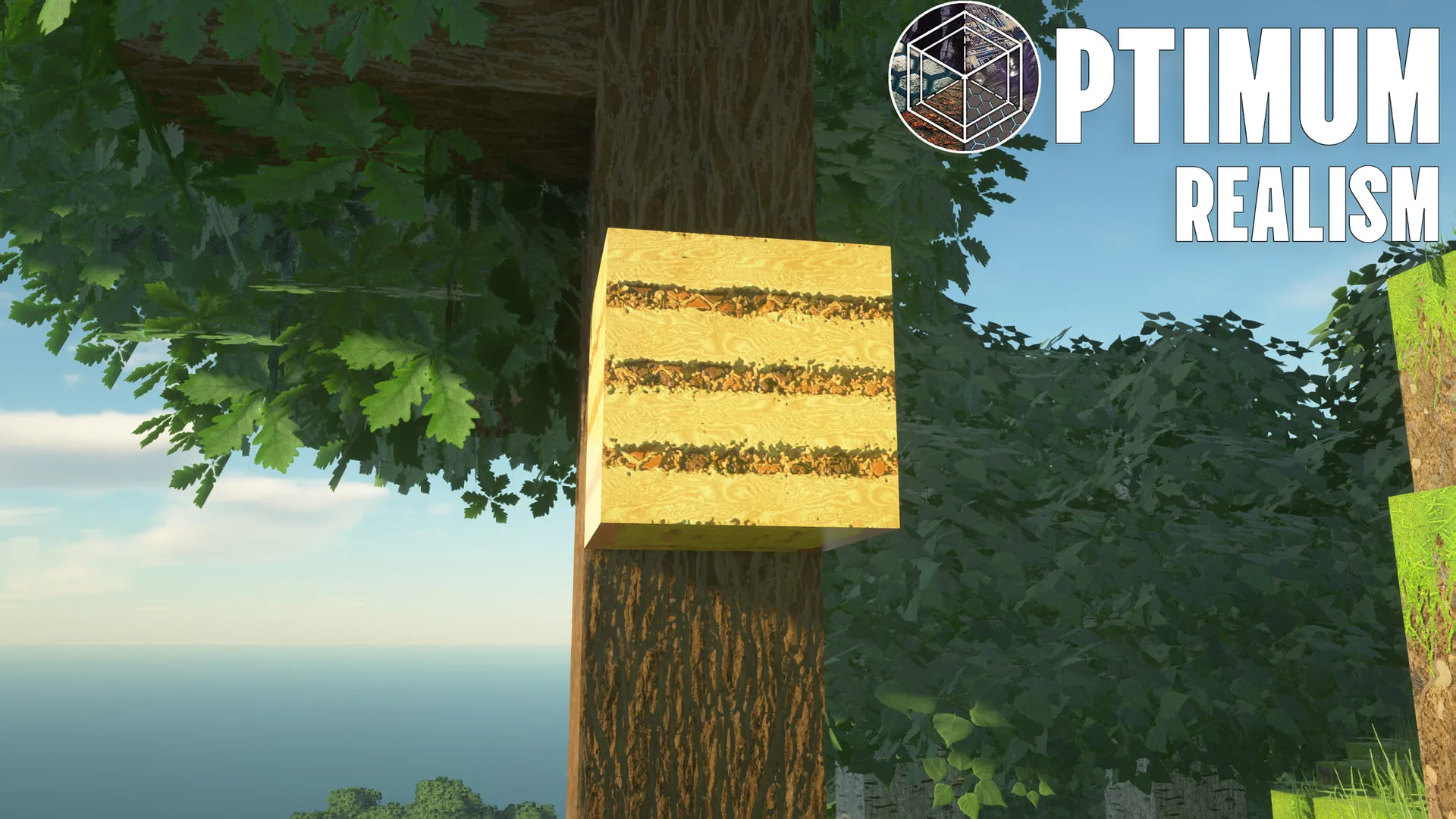
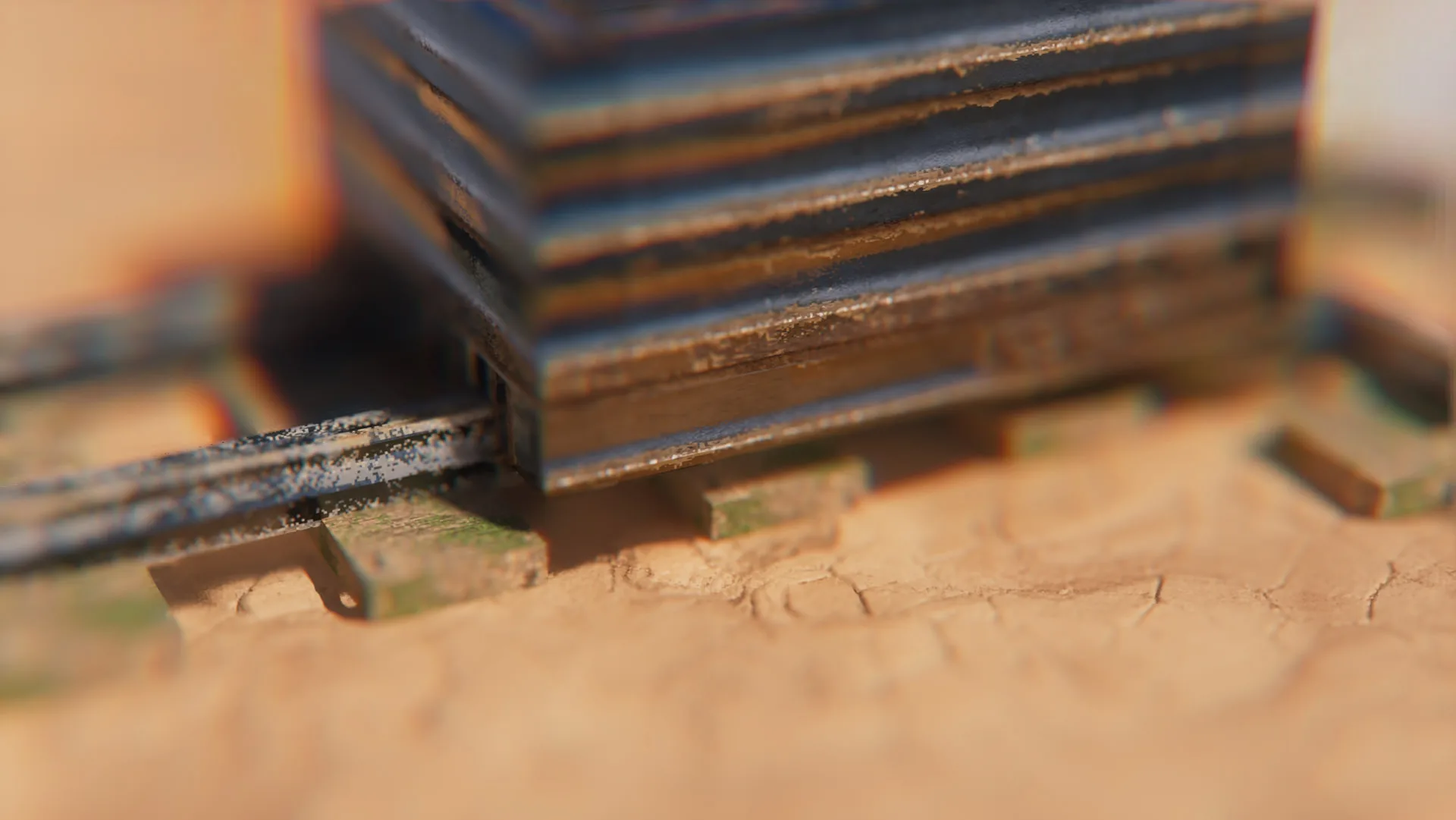
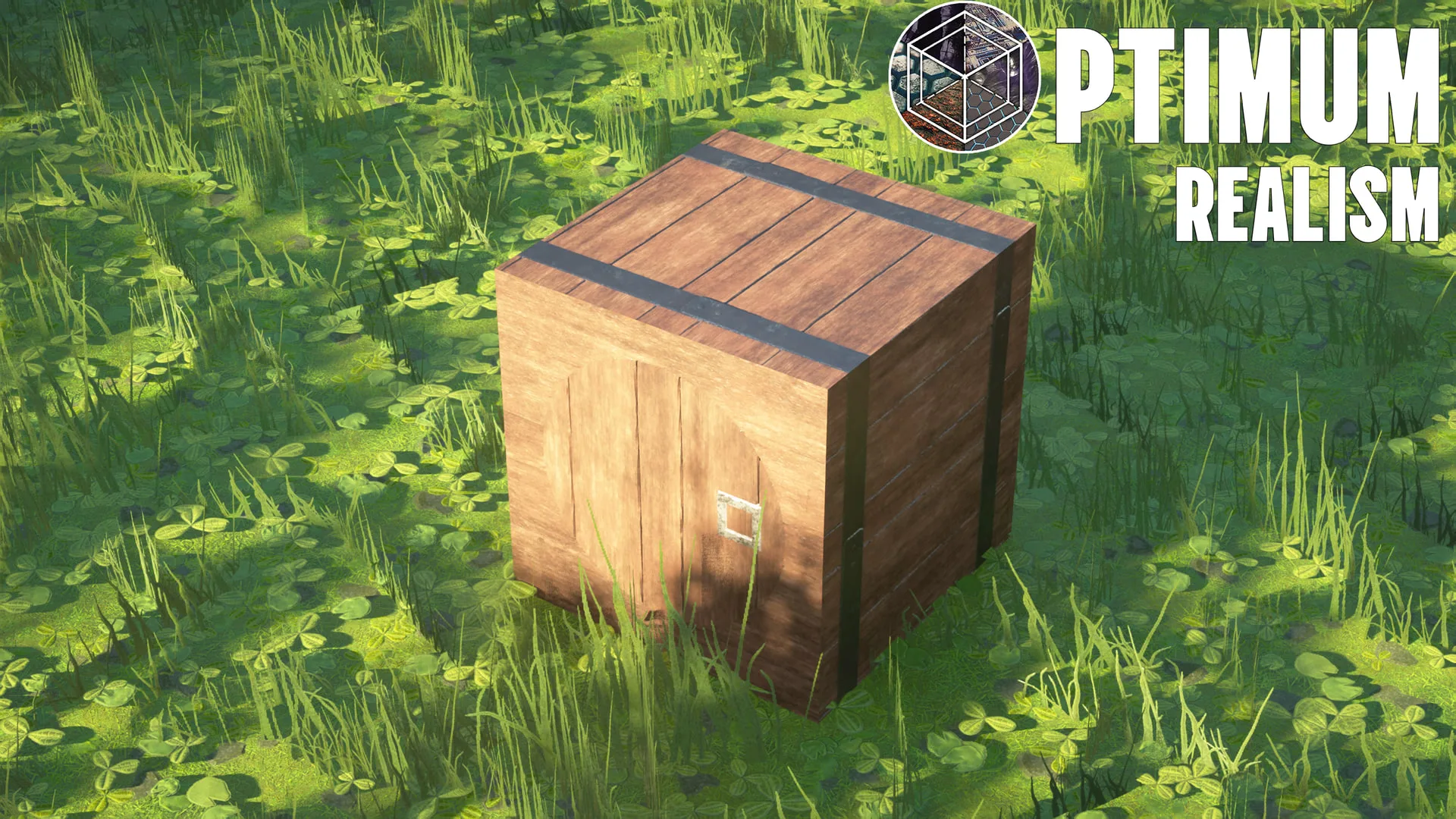
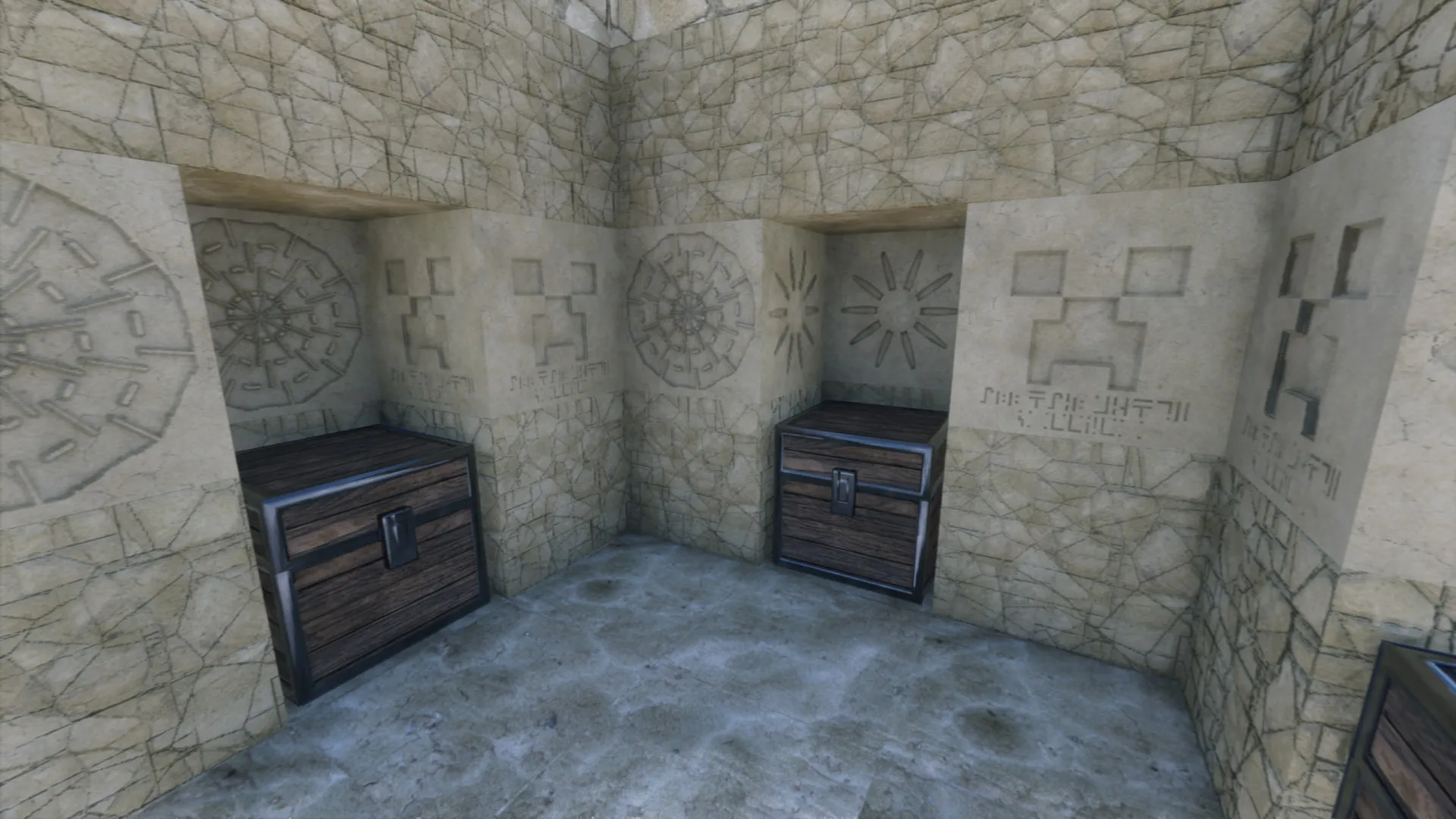
Free · 64x
The full pack, all biomes and blocks
Free forever. No trial, just lower resolution.
Pick a resolution
Every paid tier has the exact same textures — you're only choosing how sharp it looks.
Joined by 30,000+ supporters
4× the detail. Best balance of detail and performance.
8× the detail, for cinematic renders and gameplay.
Cancel anytime · download right after you join · all textures included in every tier
Free · 64x
RTX-ready textures, all blocks
Free forever. No trial, just lower resolution.
Pick a resolution
Every paid tier has the exact same textures — you're only choosing how sharp it looks.
Joined by 30,000+ supporters
Bedrock RTX is tuned for 256x — higher resolutions aren't worth the extra memory cost on the ray-traced renderer.
4× the detail. The sharpest Bedrock RTX runs well.
Earliest access to new builds, plus experimental content before it's publicly released.
Cancel anytime · download right after you join · all textures included in every tier
Test Map (Java Edition)
A curated world built to show off PBR, depth-write POM and shader interaction — the world these shots were taken in.
Download mapMake It Grassy Addon
Enhances foliage alongside Optimum Realism. Heavier on lower-end GPUs.
Download add-onBy downloading you agree to the Terms and Privacy Policy.
Loved by players & creators
Videos from the community


Creators get boosted — free Premium, early builds, and a feature to 3M+ players. Become a creator →
Up and running in minutes
A step-by-step installer for Java & Bedrock, 40+ guides, and an active Discord - you've got backup at every step.
Built something? Show 3 million players.
Post your screenshots to the gallery, the best get featured right here on the homepage. Join 100+ builds already shared by the community.
Post your build →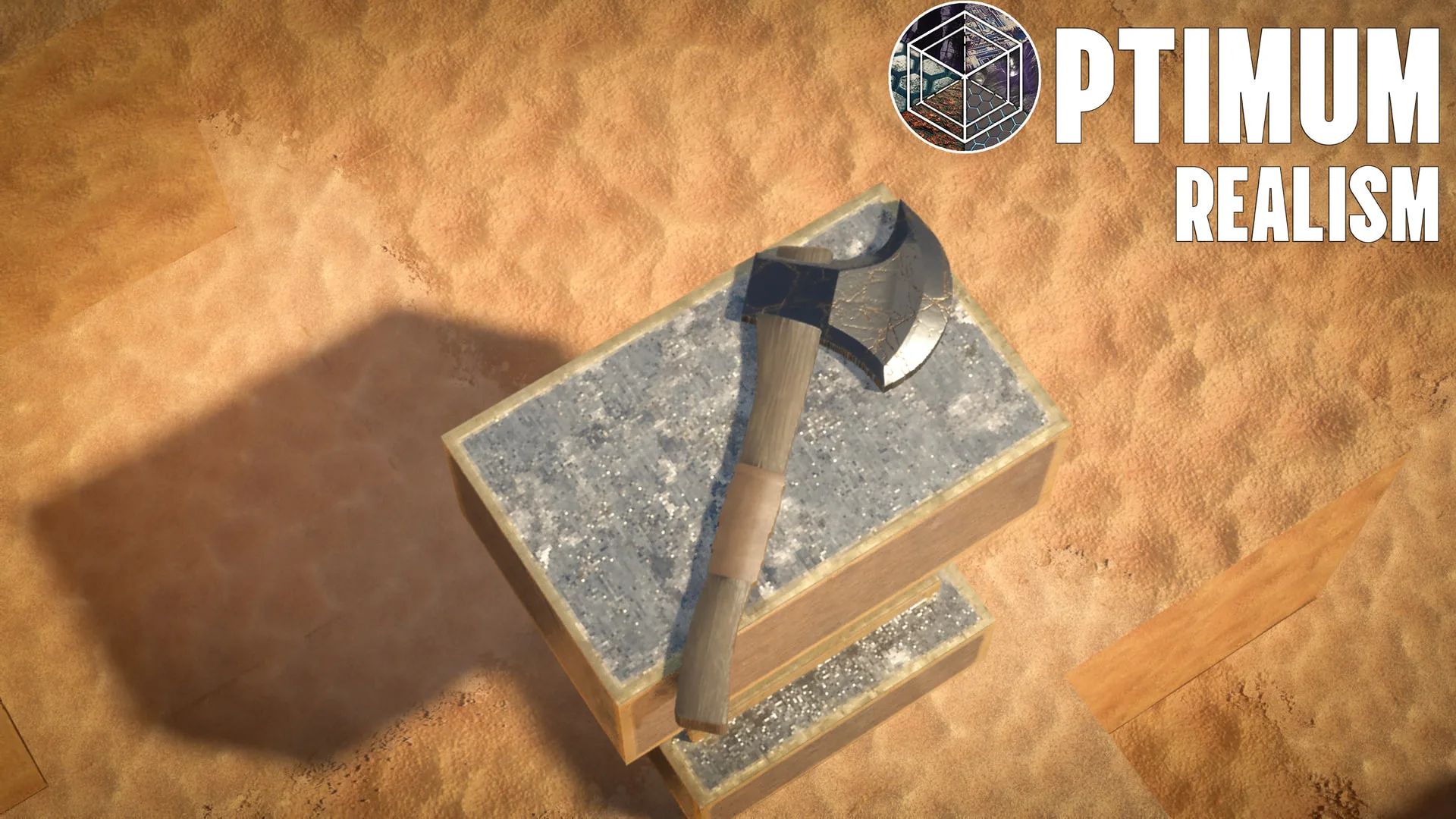

Common questions
Is Optimum Realism free?
Yes — the 64x resolution is free forever, with no trial and every block included. Higher resolutions (128x to 512x) are available through Patreon.
Does it work on both Bedrock and Java?
Yes. It runs on Java with Iris or OptiFine, and on Bedrock with RTX ray tracing and Vibrant Visuals. One Patreon subscription covers both editions.
What do I need to run it?
A GPU around a GTX 1050 and 8 GB of RAM. On Java install Iris + Sodium (or OptiFine) for shaders; on Bedrock just enable RTX.
What is the difference between the resolutions?
Every tier has the exact same blocks and PBR materials — you are only choosing sharpness. 64x is free, 256x is the most popular, and 512x is for cinematic renders.
How do I install Optimum Realism?
Download the pack, drop the .zip into your resourcepacks folder (or import the .mcpack on Bedrock), enable it in-game, and apply a shader. A full step-by-step installation guide is on the site.
Realistic Minecraft texture pack for Bedrock RTX
Optimum Realism isn't Java-only. The dedicated Bedrock RTX edition uses native NVIDIA ray tracing for real-time lighting, reflections, and global illumination — the most realistic Minecraft Bedrock texture pack you can run on an RTX GPU. It's free at 64x, just like Java. Download the Bedrock RTX edition →

Photorealistic, 4K-class detail
With full PBR materials, LabPBR specular data, and depth-write POM, Optimum Realism looks photorealistic under shaders. The premium 512x tier delivers effectively 4K-class texture detail for cinematic renders and screenshots, while the free 64x keeps every feature for everyday play. See why it's the most realistic Minecraft texture pack →